My whole reel setup with Claude Code: one folder, four tools, one rule page
Reel 52 · the setup · November 4, 2026
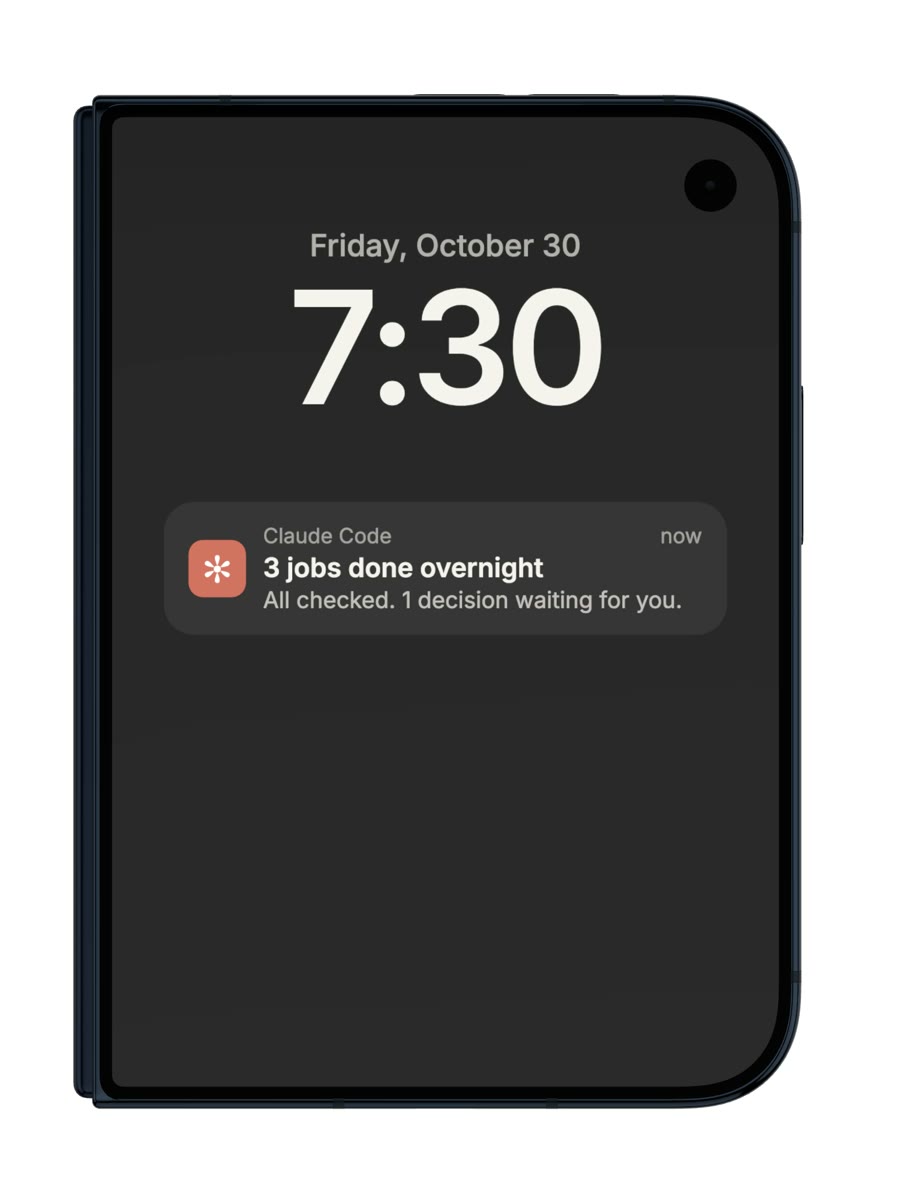
Run a business and want this working for you, not on your to-do list?
I set Claude Code up inside one- to three-person businesses: your schedule, inbox and leads, done overnight and checked. From $149 a month, 3 founding seats at half price.
This is the setup I've used for my last 51 reels on @copilot_shogo. Nothing to buy except the services you already use. Take the folder layout and the starter rule page below.
The setup · 4 parts
- 01
One folder per reel
Every reel gets its own folder with the same four files: the script, the voice, the code and the final video. Claude Code works inside the whole project, so it can open any past reel and reuse what worked. Each new reel's code starts from one of the best-rated past reels.
episodes/ · one folder per reel- script.mdthe script13.8 KB
- narration.mp3the voice1.0 MB
- Video.tsxthe code55.5 KB
- final.mp4the final video15.9 MB
Six real reel folders and their real file sizes. Tap one. Every reel keeps the same four files, so Claude Code can open any past reel and reuse what worked. the layoutepisodes/ 2026-11-04_01_my-reel/ script.md # the script, the sources, the shot list Video.tsx # the reel as code (Remotion) render/final.mp4 # what gets posted public/episodes/ 2026-11-04_01_my-reel/ narration.mp3 # the voice (ElevenLabs), sped up with Rubber Band music.mp3 docs/ craft.md # the rule page Claude reads before every reel scripts/ check.sh # reads the rules, refuses to render when one breaks - 02
Four tools do the work
Claude writes the reel as React. Remotion renders it. ElevenLabs reads the script in my cloned voice and returns the time of every word. Rubber Band speeds it up without the chipmunk sound. FFmpeg mixes the music and sets the loudness.
Claude writes React. Remotion renders every frame of it.
<TitleHit name="REMOTION" /><Orbit clip="st_cheer" />frame 0 / 2,629reel #52: 43.8 s at 60 fps
Pick a tool. Each shows what it really did for reel #52: the frame count, the word times, the before/after length, and the loudness of the last eight reels. - 03
The rule page is why it works
Every time a reel looked cheap, the fix became a line on one page. Claude Code reads that page before every reel, so the same mistake doesn't come back. Mine is 230 lines now. Start with the one below and add a line every time you catch something.
craft.md · 230 lines42Frame 1 is the content, not a logo.89No face in the hook.98Solid backgrounds. No glow.101One sound per event, within 2 frames.131Other people's footage only as short proof.140Never upscale an image past 1.5×.What I said: "the screen keeps shaking and flashing"Seven real lines of my rule page (it's in Japanese; these are translations, with the real line numbers). Press the button: the fix for #44 becomes line 135, and Claude Code reads the whole page before the next reel. craft.md (starter)# craft.md — read this before every reel ## Hook - Frame 1 is the content, not a logo. One strong line on screen from the first frame. - Say what it is and what the viewer gets within 3 seconds. ## Look - One background, one text colour, one accent. Solid backgrounds, no glow. - Real screens, real files, real numbers. Never redraw a fake product screen. - Never upscale an image past 1.5×. - Other people's footage only as short proof. ## Motion - Something meaningful moves wherever you pause. No dead frames. - Shake twice at most. One full-screen flash at most. ## Sound - One sound per event, within 2 frames of it. - Music 18–24 dB under the voice. Whole reel at −14 LUFS. ## When a reel looks cheap - Write the fix here as one line, with the reel number. Don't just fix that reel.
- 04
A check that refuses to render
Rules you only read get skipped. A small script checks the ones a machine can check (a missing mascot, text outside the caption boxes, no real material listed) and stops the render with a list of what's broken.
~ % render reel #52press a button below—The real output of my check script: on an empty draft of reel #52 it listed what was broken and stopped the render; on the finished reel it passed and the render went through at −14.1 LUFS.
Good to know
- Numbers on this page are from my own studio: file sizes of real reel folders, reel #52's frame count and word timings, and the loudness of reels #42–#49 measured with FFmpeg on Nov 4, 2026.
- Clawd, the little orange character, is Claude Code's own mascot, drawn from the characters Claude Code prints when it starts. Not affiliated with Anthropic, Remotion, ElevenLabs, Rubber Band or FFmpeg.
Free for people building with Claude Code
Two of us run a six‑figure business on this Claude Code setup.
Most setups forget who you are every session. This one knows your goal, pushes back when you drift, and checks its own work. Take the starter version. It takes 15 minutes to set up.
✻
CLAUDE.md
- START-HERE.md
- CLAUDE.md
- prompts/interview.md
- agents/verifier.md
- diagnostic.md
The starter opens right away, and the link lands in your inbox to keep. One email a week after that, unsubscribe any time.
MORE LIKE THIS